A digital studio for interior design lovers to practice & gather.
Spoak’s studio offers a suite of easy-to-use interior design tools, so you can visualize in high fidelity, and plan down to the centimeter, using real products from any store. No experience required.
01
02
03
04
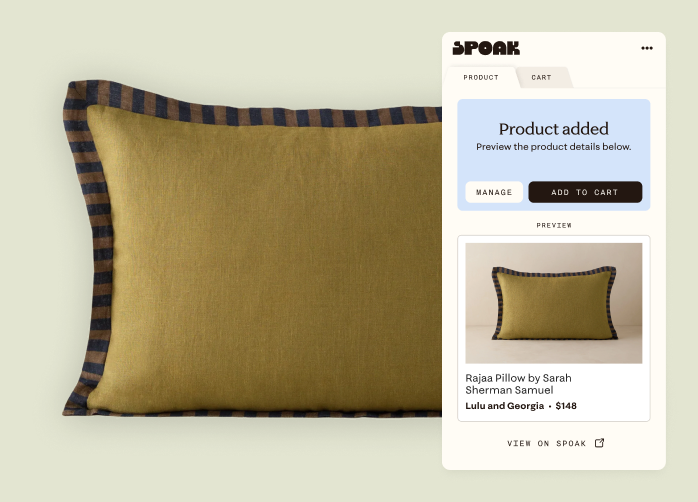
Use products from anywhere on the internet. Paste directly into Spoak, or use our free browser extension.
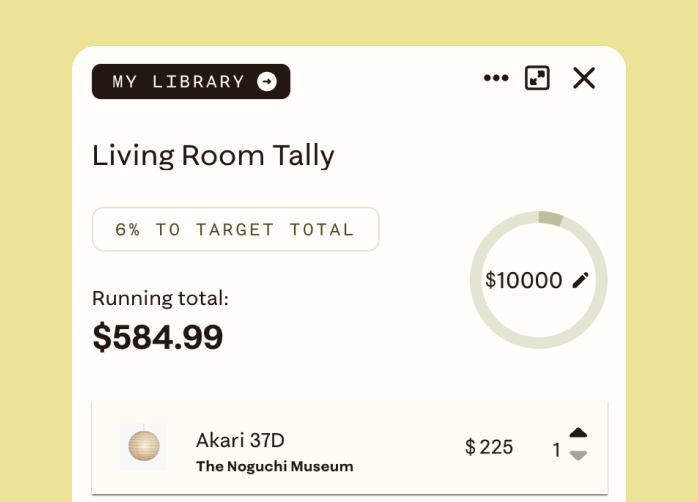
An easy way to tally up any sum – be it a project budget, a quote, furniture resale revenue – to stay on track.
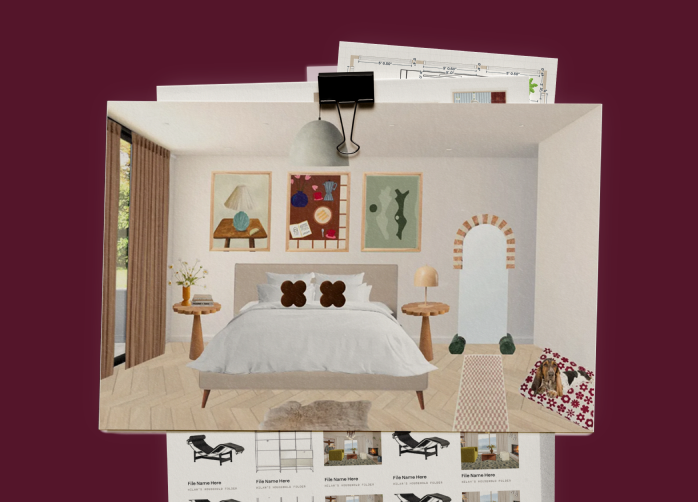
Your Library contains all your products, designs, and files in one place, while folders and search keep it clean and organized.


















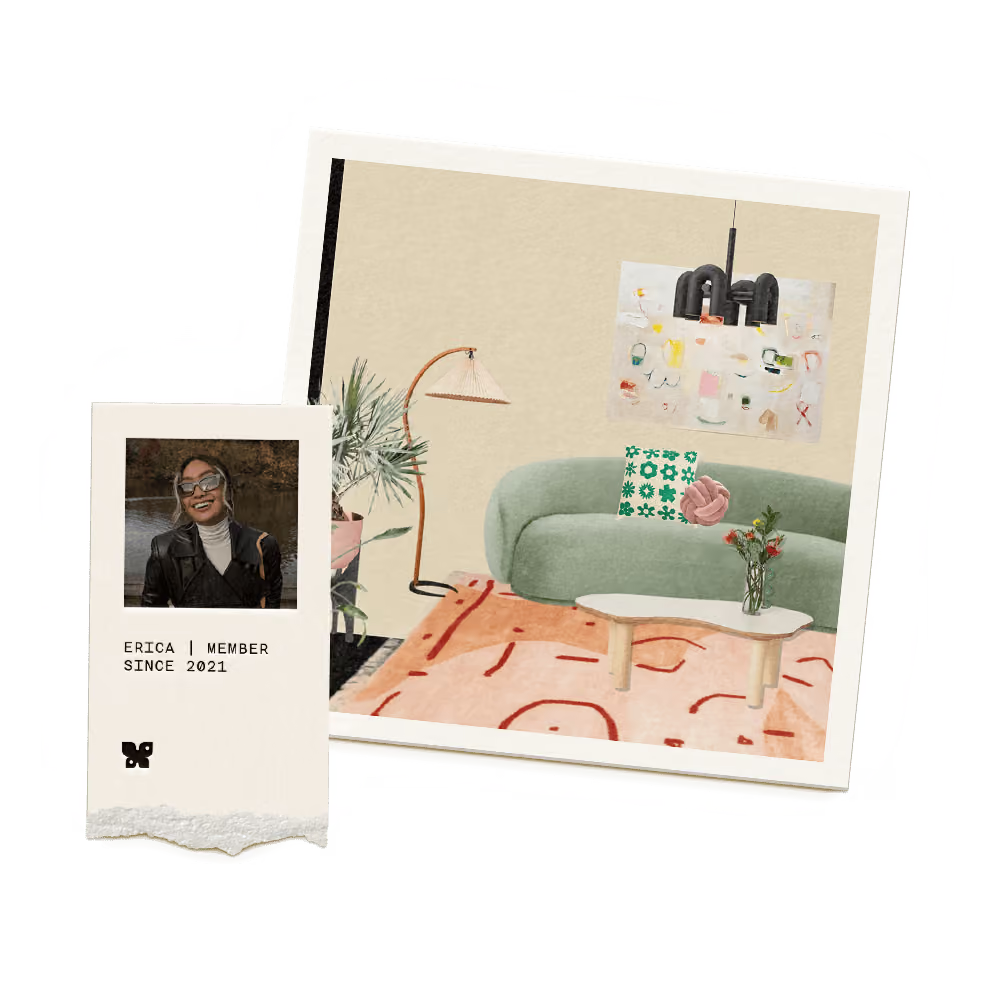
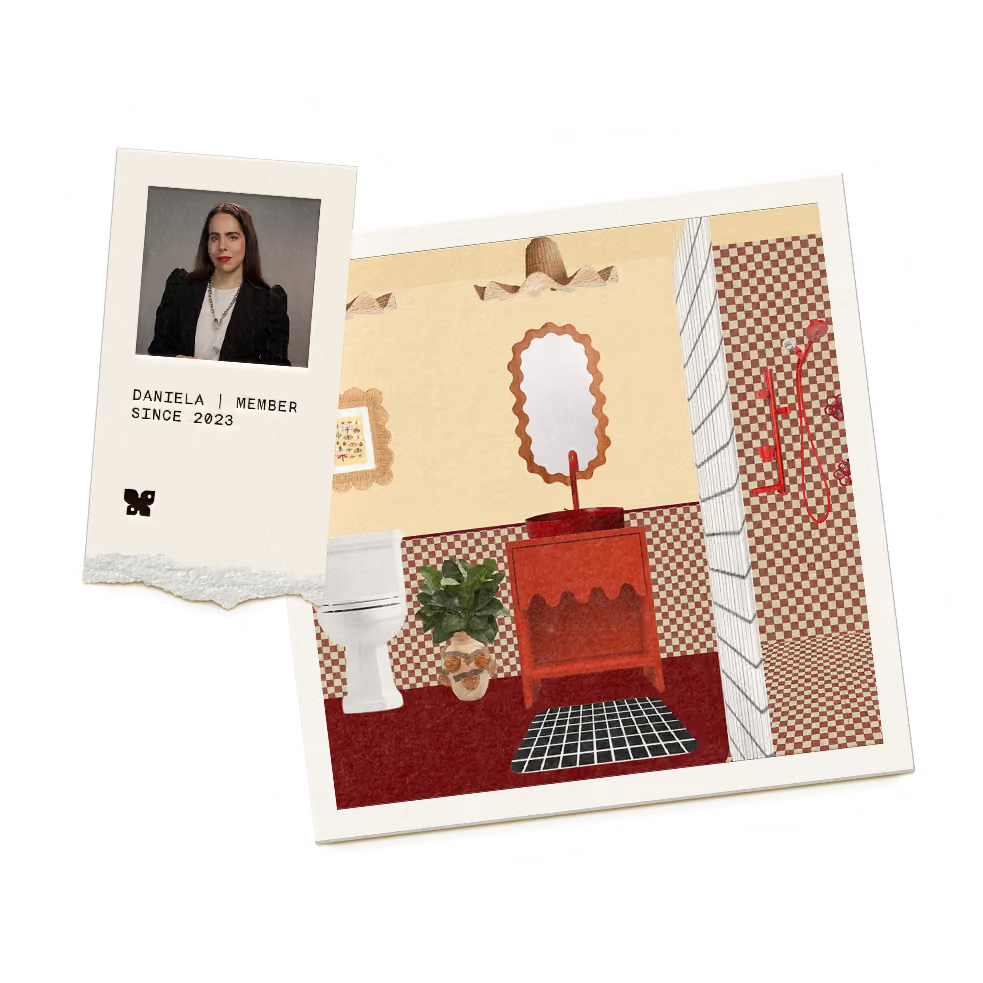
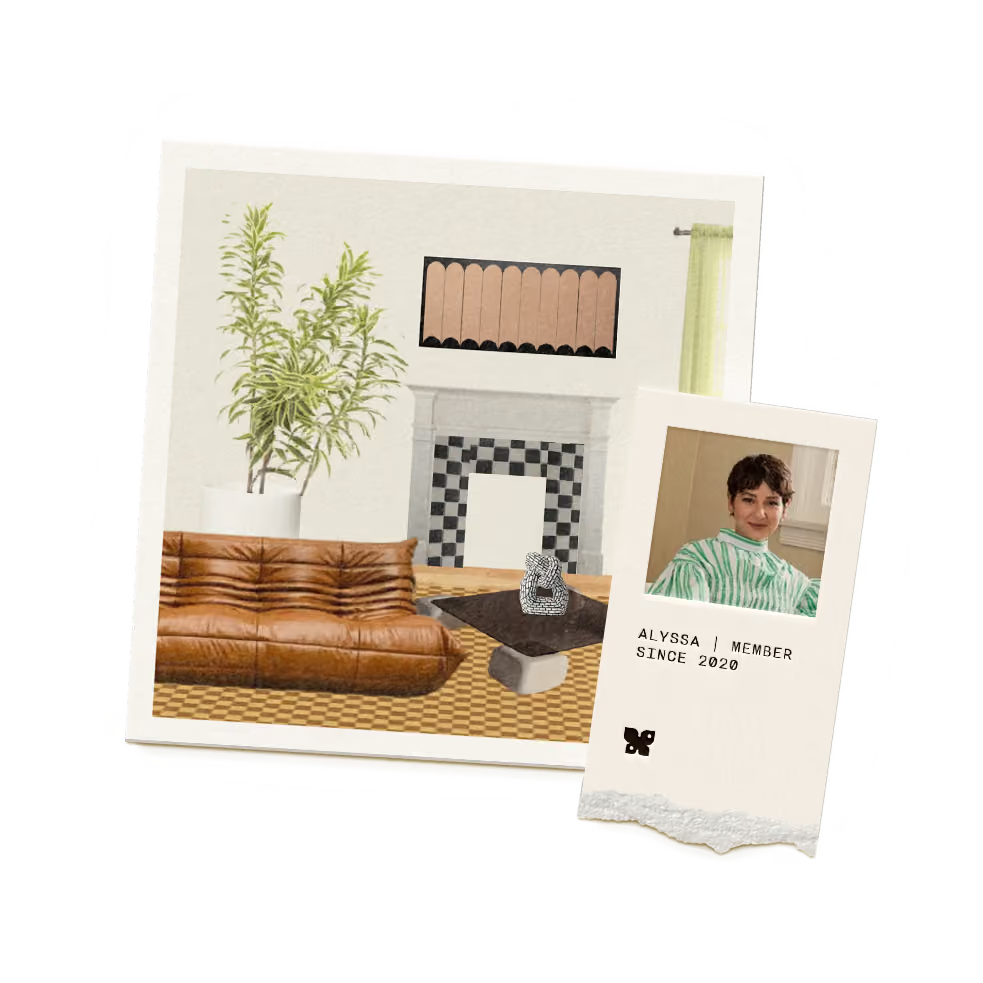
Spoak is ad-free and algorithmically neutral. We also believe AI should be optional, and even then, only for productivity – never for creativity.
We believe design is practiced, not perfected. Design is a verb – it’s not something you consume, it’s something you do.
This isn’t just a tool for real spaces, it’s a place to return to for energy, inspiration, play, and exploration.
Yes. Spoak was built for the casual design lover, so it’s meant to be easy to use and quick to learn.
Yes. While easy to use, our design tools are meant to grow with you and are trusted by thousands of professionals. The Spoak Pro offering also includes client presentations, feedback, and whitelabeling.
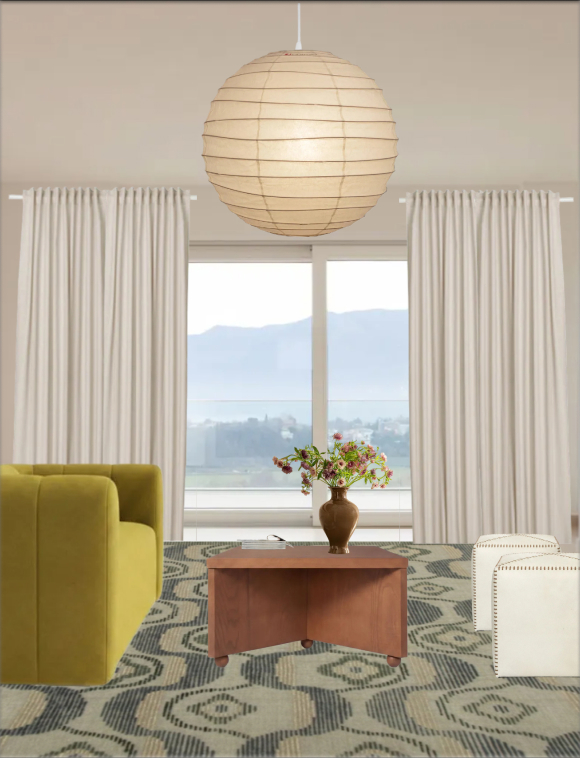
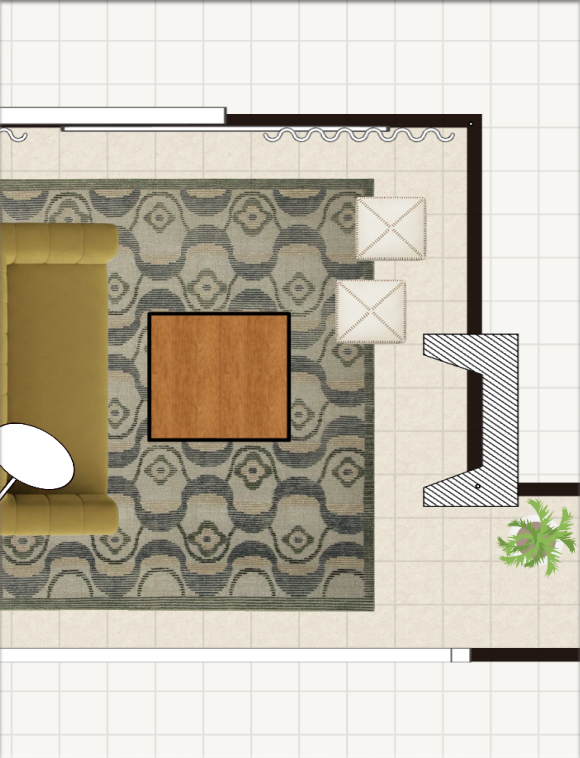
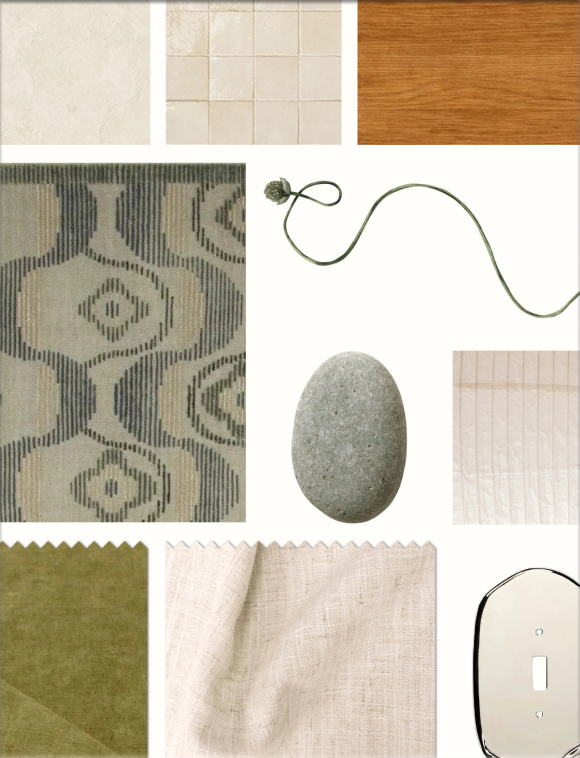
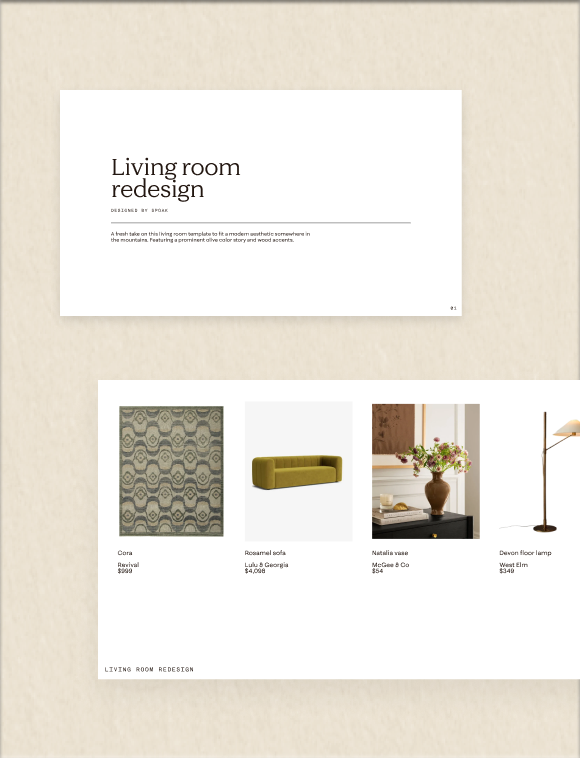
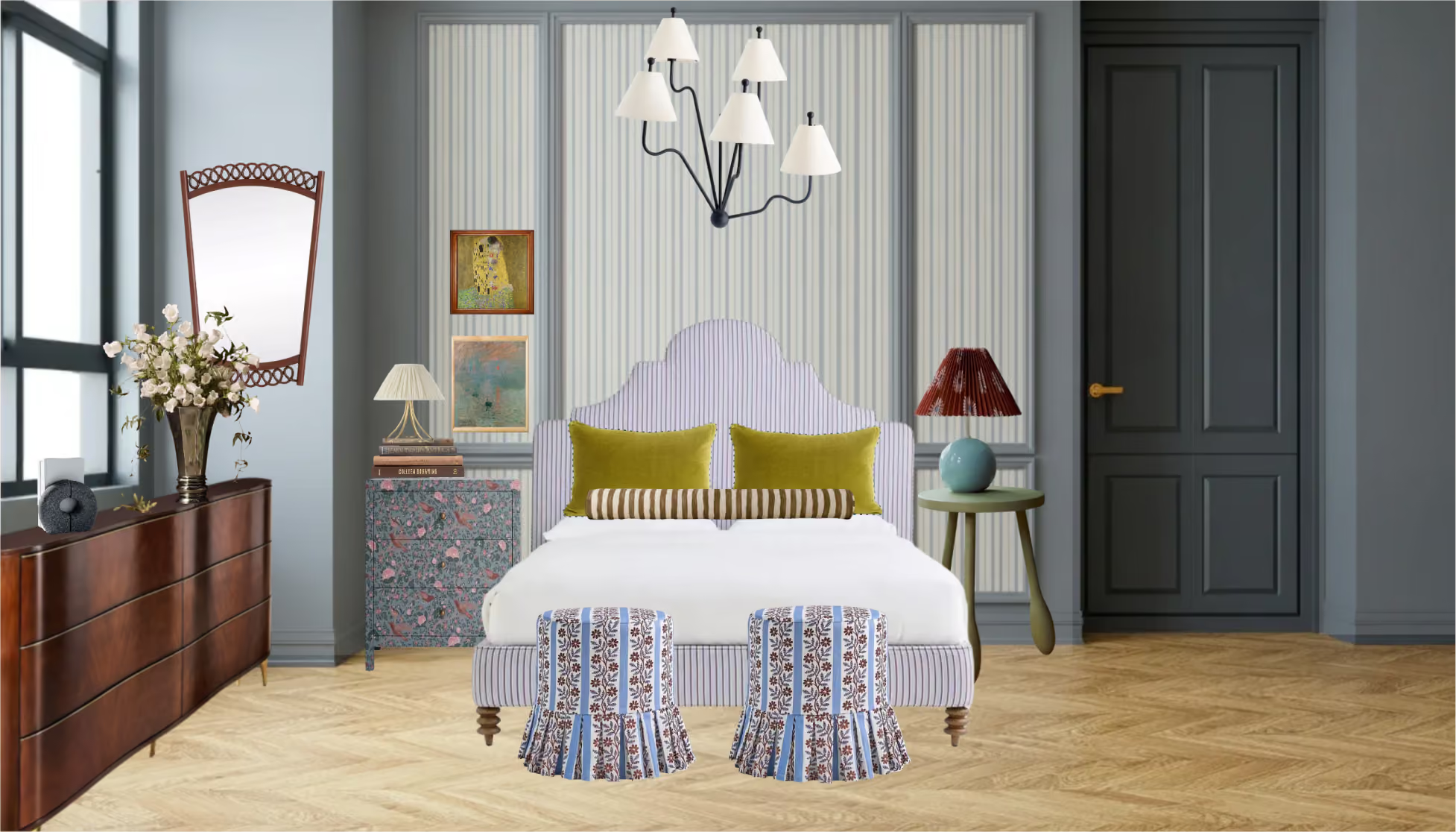
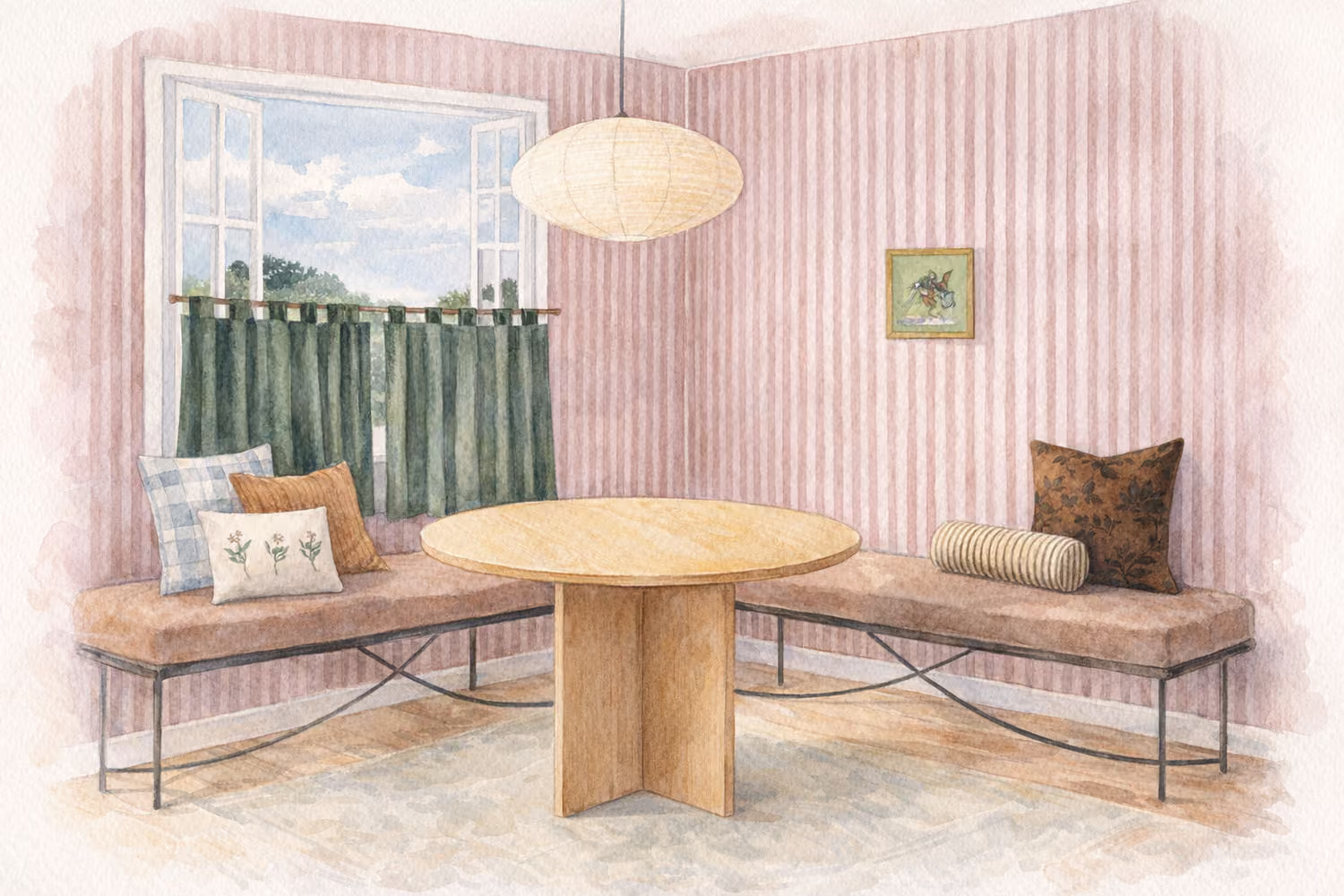
Realistic room mock ups, carefully measured floor plans and elevations, curated material boards & swatch trays… Real or imagined, it’s all available to you!
Yes. You start on a free Guest pass, with no credit card required. The Guest pass comes with 1,000 tokens and the chance to try every design mode, so you get a real feel for the studio before deciding on anything.
At Spoak, AI is a productivity tool, not a creativity tool. Every AI-backed feature in our studio has an AI-free alternative that simply takes longer and/or is slightly less impressive. We built our design tools long before the advent of AI, and they thrive with or without its usage.
No. Spoak was designed to be easy-to-use, and requires no CAD, Photoshop or SketchUp experience.
In any current browser (at studio.spoak.com) on your computer, tablet or phone.
The app is in development and will be live very soon.
Yes! Our Magic Canvas feature turns any photo into a workable design canvas.
Yes. Upload it in Plan mode using the “Blueprint” feature and we will convert into an editable floor plan.
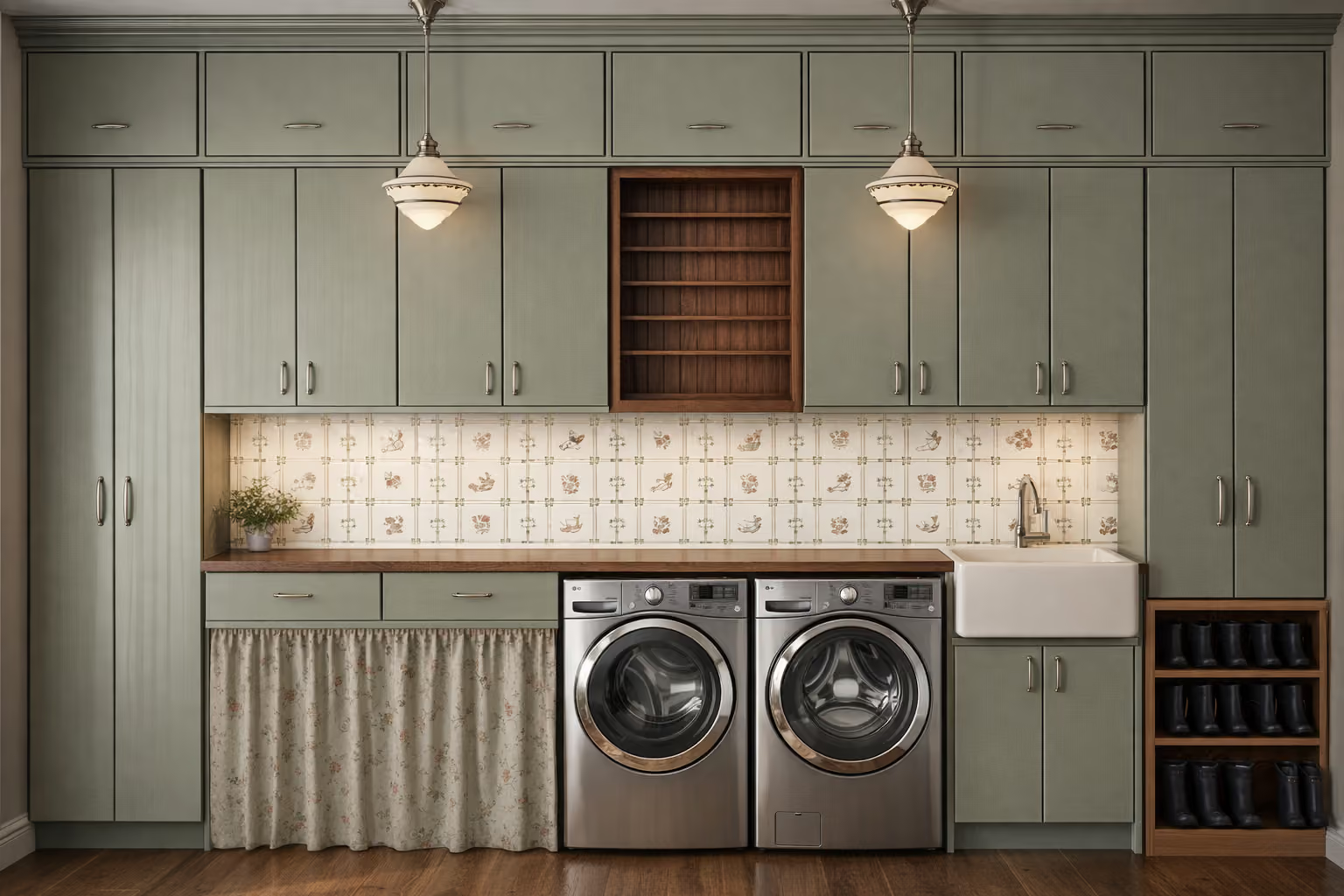
They certainly can be. Once you’re finished designing in Mock up mode, you can convert your design into a 3D image using Magic Render.