A digital studio for interior design lovers to practice & gather.

Windows now include a flow to automatically add scenery behind them instead of adding as a separate flow.

Door and window assets now include a quick replace CTA in the top toolbar.
You can now use the Perspective panel with grouped objects and multi-selected objects in Viz.
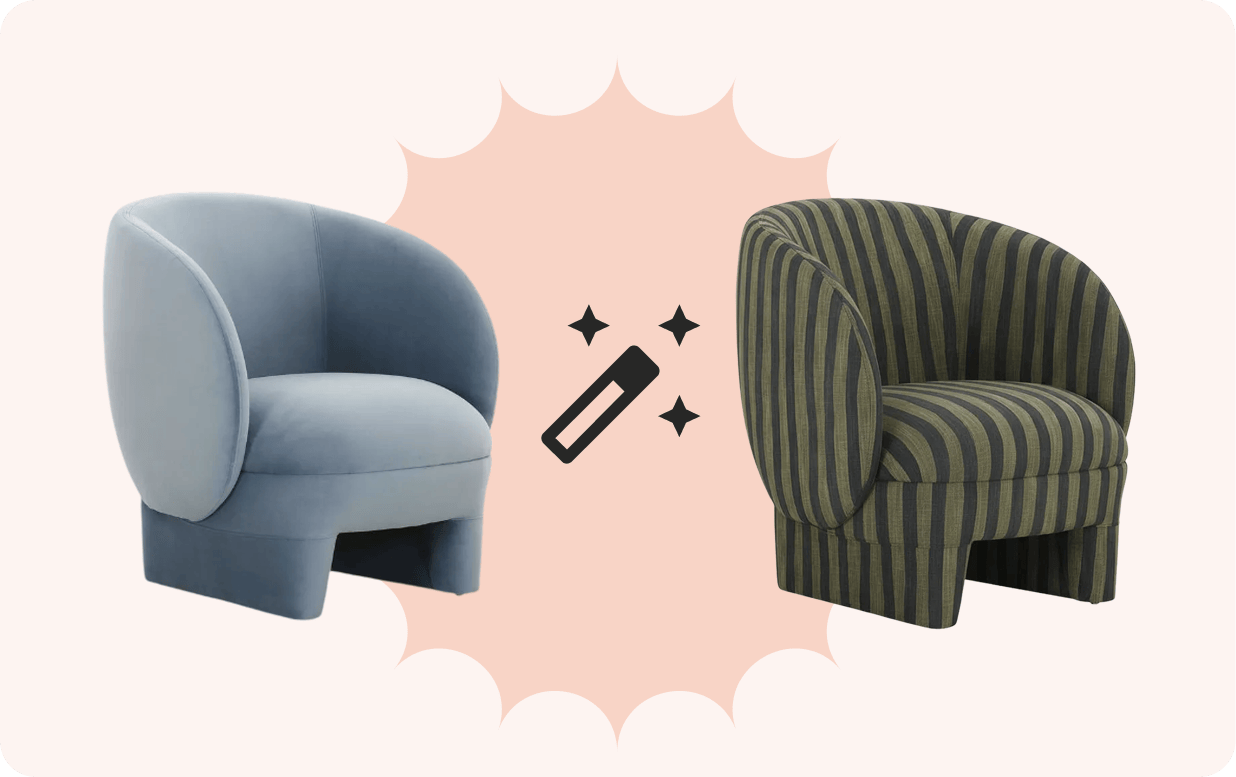
You can now use Magic functionality with doors and windows in Viz.
We improved how My Things loads and displays in Viz for a smoother browsing experience.
We shipped a set of mobile UX improvements to make mobile designing in Viz smoother, faster, and easier.
You can now double-click on a group to select an object inside the group.
We refreshed the door asset library in Room Viz to improve quality and consistency.
When editing an object’s paint, Viz will now automatically open Manual mode if you’ve already applied any manual paint to that object.
We fixed a few small issues with the new Focus Mode for Architecture & Fixtures.