

.webp)
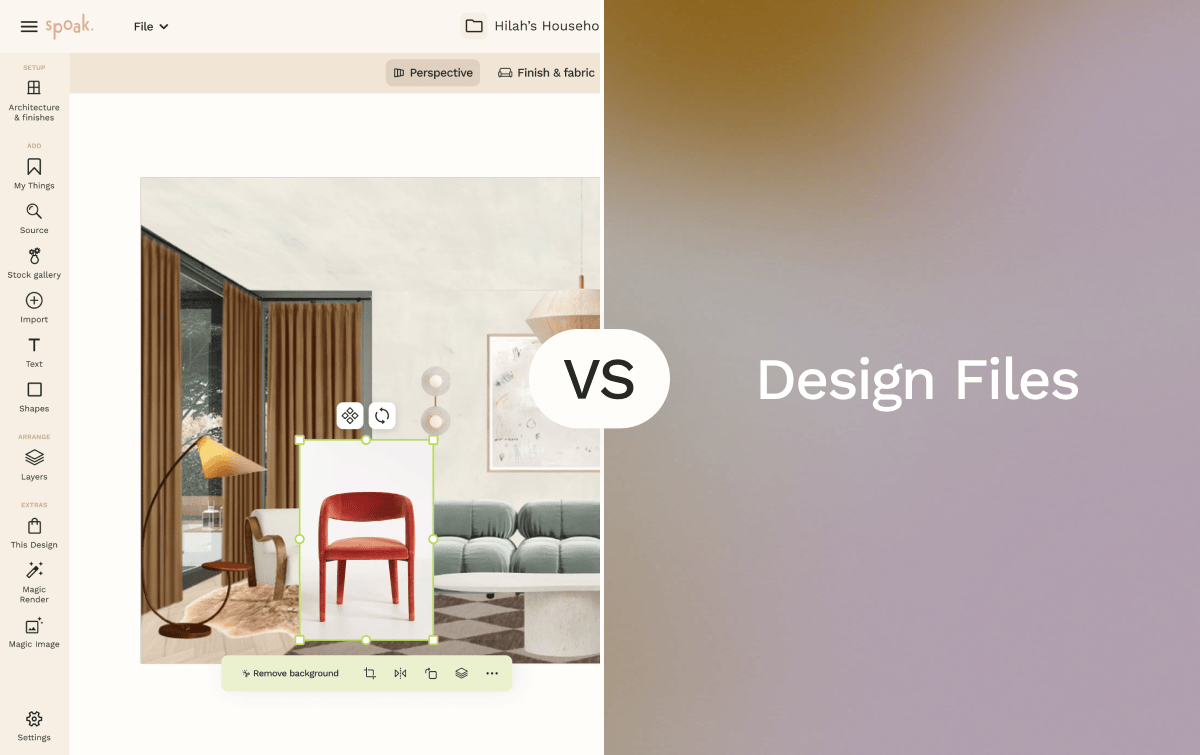
Spoak is an online interior design platform focused on room visualization, decorating, sourcing, and planning. Its core tools — including Viz for drag-and-drop room mockups, Floor Plans and Elevations, Mood Boards, and the Magic Tools AI suite — cover the full range from early concept exploration to client-ready presentations. Spoak is entirely web-based and is designed for beginners through professional designers.
DesignFiles is an all-in-one interior design business platform built for professional designers running client-facing practices. Alongside moodboard creation, 3D floor planning, and product sourcing, DesignFiles integrates client portals, digital contracts, invoicing, time tracking, and project task management into a single system. It is used primarily by solo interior designers and small design firms managing full-service or e-design projects.
If you're deciding between Spoak and DesignFiles, the right choice depends less on which platform has more features and more on where your workflow bottleneck actually lives — in design creation, or in running the business side of your practice.


Spoak's drag-and-drop interface, guided design tools, and free tier make it accessible to anyone exploring interior design for the first time. There's no requirement to understand business operations or client management — you can start visualizing rooms and building mood boards within minutes of signing up. DesignFiles is designed for working professionals managing active client projects; its feature set assumes familiarity with running a design practice, and there is no free entry point.
Best choice: Spoak
Spoak's combination of Mood Boards, Viz room mockups, and Product Sourcing and Inspiration tools makes it a natural fit for decorators focused on styling, aesthetics, and product curation. The ability to pull real products into room mockups and present them visually aligns with how decorators build and communicate their work. DesignFiles supports moodboard creation with branded presentations and one-click background removal, but its overall toolset is oriented more toward project delivery and business management than styling-led creative workflows.
Best choice: Spoak
This is where the comparison becomes genuinely split. Spoak covers the design and presentation side well — room concepts, floor plans, mood boards, and AI customization through Magic Tools. DesignFiles adds a complete business layer: digital contracts, retainers, client approval workflows, spec sheets, purchase orders, time tracking, and financial reporting. A designer who needs to manage project communication, billing, and procurement from a single system will find DesignFiles more purpose-built for that operational workflow.
Best choice: Spoak for design creation and visual presentation; DesignFiles for client management and business operations
DesignFiles' dedicated client portal allows clients to approve or decline products, leave feedback on boards and files, and view shared materials — all in one place, with a logged history of approvals and communication. Spoak's Business Hub supports client feedback and approvals as part of a broader project management context, but the structured, client-facing review cycle is a central design priority in DesignFiles. For designers whose workflow depends on formal approval stages and traceable client communication, DesignFiles offers a more purpose-built environment.
Best choice: DesignFiles
Spoak's Viz tool creates room mockups through drag-and-drop furniture placement without requiring 3D modeling skills. The Magic Tools suite — including Magic Background Edit, which uses a real room photo as the design canvas — supports rapid iteration on concepts. DesignFiles includes 3D rendering and floor planning tools, but that workflow is more rendering-oriented and typically requires more setup time than Spoak's mockup-first approach.
Best choice: Spoak
DesignFiles is structured around the full lifecycle of an interior design engagement: onboarding questionnaires, design delivery, client approvals, procurement, invoicing, and financial reporting. Its two plan tiers — e-Design and Full Service — are named specifically for the two primary business models it supports. Spoak provides business tools through the Business Hub and the Portfolio and Design Shop, but its overall emphasis is on design creation rather than operational workflows.
Best choice: DesignFiles
Pros
Cons
Pros
Cons
Choose Spoak if you're an interior designer, decorator, or homeowner looking for a visual-first platform that covers room visualization, mood boards, floor plans, and product sourcing in one web-based workspace. Spoak's free tier and intuitive interface lower the barrier to entry, and its AI tools support creative exploration without requiring 3D modeling expertise. It's a strong fit for anyone whose primary work is designing spaces, exploring concepts, and curating products.
Choose DesignFiles if you're a professional interior designer running a client-facing practice and need your design tools and business operations in the same place. The platform's client portal, invoicing, contracts, purchase orders, and time tracking are built specifically for full-service and e-design engagements. For designers managing multiple active projects with clients who need structured approval cycles and clear financial tracking, DesignFiles provides a more operationally complete system.
Both tools serve interior designers — but they're built for different priorities. Spoak leads with creative exploration; DesignFiles leads with practice management.

Spoak is an online interior design platform focused on room visualization, decorating, sourcing, and planning. Its core tools — including Viz for drag-and-drop room mockups, Floor Plans and Elevations, Mood Boards, and the Magic Tools AI suite — cover the full range from early concept exploration to client-ready presentations. Spoak is entirely web-based and is designed for beginners through professional designers.
DesignFiles is an all-in-one interior design business platform built for professional designers running client-facing practices. Alongside moodboard creation, 3D floor planning, and product sourcing, DesignFiles integrates client portals, digital contracts, invoicing, time tracking, and project task management into a single system. It is used primarily by solo interior designers and small design firms managing full-service or e-design projects.
If you're deciding between Spoak and DesignFiles, the right choice depends less on which platform has more features and more on where your workflow bottleneck actually lives — in design creation, or in running the business side of your practice.
Spoak's drag-and-drop interface, guided design tools, and free tier make it accessible to anyone exploring interior design for the first time. There's no requirement to understand business operations or client management — you can start visualizing rooms and building mood boards within minutes of signing up. DesignFiles is designed for working professionals managing active client projects; its feature set assumes familiarity with running a design practice, and there is no free entry point.
Best choice: Spoak
Spoak's combination of Mood Boards, Viz room mockups, and Product Sourcing and Inspiration tools makes it a natural fit for decorators focused on styling, aesthetics, and product curation. The ability to pull real products into room mockups and present them visually aligns with how decorators build and communicate their work. DesignFiles supports moodboard creation with branded presentations and one-click background removal, but its overall toolset is oriented more toward project delivery and business management than styling-led creative workflows.
Best choice: Spoak
This is where the comparison becomes genuinely split. Spoak covers the design and presentation side well — room concepts, floor plans, mood boards, and AI customization through Magic Tools. DesignFiles adds a complete business layer: digital contracts, retainers, client approval workflows, spec sheets, purchase orders, time tracking, and financial reporting. A designer who needs to manage project communication, billing, and procurement from a single system will find DesignFiles more purpose-built for that operational workflow.
Best choice: Spoak for design creation and visual presentation; DesignFiles for client management and business operations
DesignFiles' dedicated client portal allows clients to approve or decline products, leave feedback on boards and files, and view shared materials — all in one place, with a logged history of approvals and communication. Spoak's Business Hub supports client feedback and approvals as part of a broader project management context, but the structured, client-facing review cycle is a central design priority in DesignFiles. For designers whose workflow depends on formal approval stages and traceable client communication, DesignFiles offers a more purpose-built environment.
Best choice: DesignFiles
Spoak's Viz tool creates room mockups through drag-and-drop furniture placement without requiring 3D modeling skills. The Magic Tools suite — including Magic Background Edit, which uses a real room photo as the design canvas — supports rapid iteration on concepts. DesignFiles includes 3D rendering and floor planning tools, but that workflow is more rendering-oriented and typically requires more setup time than Spoak's mockup-first approach.
Best choice: Spoak
DesignFiles is structured around the full lifecycle of an interior design engagement: onboarding questionnaires, design delivery, client approvals, procurement, invoicing, and financial reporting. Its two plan tiers — e-Design and Full Service — are named specifically for the two primary business models it supports. Spoak provides business tools through the Business Hub and the Portfolio and Design Shop, but its overall emphasis is on design creation rather than operational workflows.
Best choice: DesignFiles
Pros
Cons
Pros
Cons
Choose Spoak if you're an interior designer, decorator, or homeowner looking for a visual-first platform that covers room visualization, mood boards, floor plans, and product sourcing in one web-based workspace. Spoak's free tier and intuitive interface lower the barrier to entry, and its AI tools support creative exploration without requiring 3D modeling expertise. It's a strong fit for anyone whose primary work is designing spaces, exploring concepts, and curating products.
Choose DesignFiles if you're a professional interior designer running a client-facing practice and need your design tools and business operations in the same place. The platform's client portal, invoicing, contracts, purchase orders, and time tracking are built specifically for full-service and e-design engagements. For designers managing multiple active projects with clients who need structured approval cycles and clear financial tracking, DesignFiles provides a more operationally complete system.
Both tools serve interior designers — but they're built for different priorities. Spoak leads with creative exploration; DesignFiles leads with practice management.
We are an online interior design studio for enthusiasts and professionals. Get a real-world design education, easy-to-use tools, job opportunities, and a tight-knit community. All levels welcome.
Join now


