

.webp)
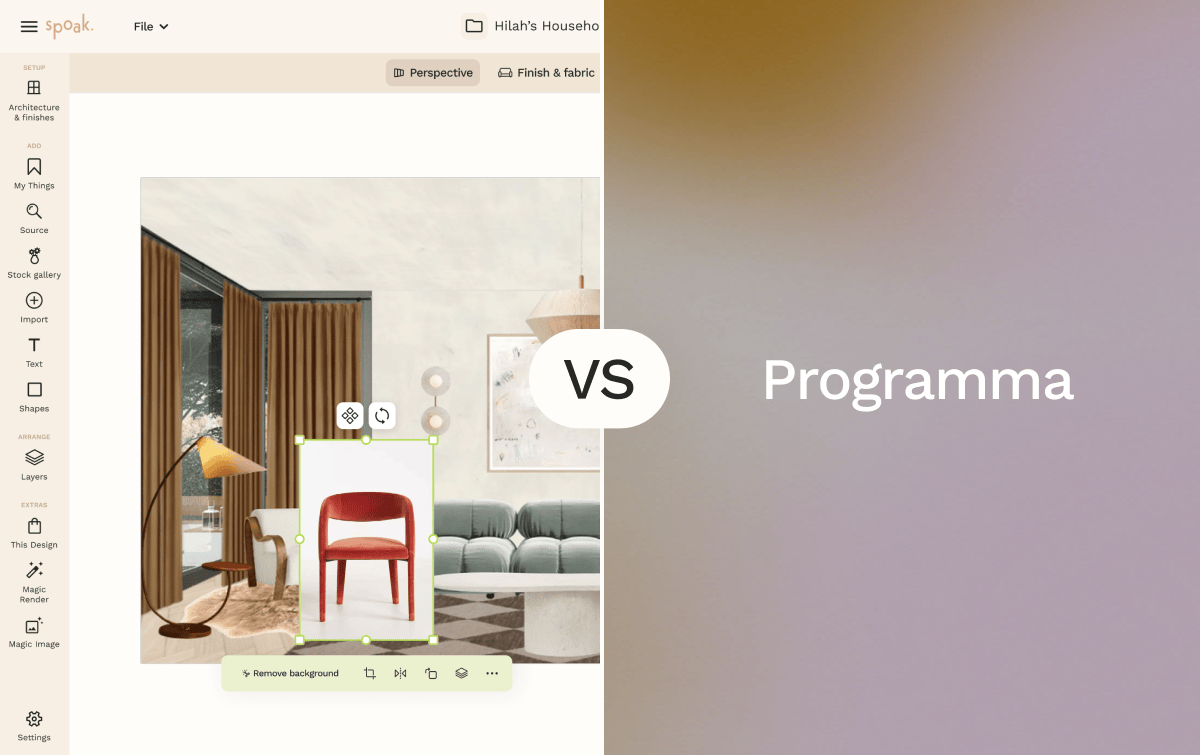
Spoak is an online interior design platform focused on room visualization, decorating, sourcing, and planning. Its core tools — including Viz for drag-and-drop room mockups, Floor Plans and Elevations for to-scale space planning, Mood Boards, and the Magic Tools AI suite — cover the full range from early concept exploration to client-ready visual presentations. Spoak is entirely web-based and is designed for beginners through professional designers.
Programa is a project management and specification platform built for professional interior designers and architects. Rather than providing visualization or design creation tools, Programa focuses on the operational side of design practice: FF&E schedules, product specifications, procurement tracking, client communication, invoicing, and a Product Library fed by a Web Clipper that imports product data directly from supplier websites. It is used primarily by freelancers and small design firms managing active client projects.
If you're deciding between Spoak and Programa, the core question isn't which tool is more capable — it's which stage of the design process needs more support. Spoak leads in creation and concept; Programa leads in documentation and project delivery.


Spoak's free tier, drag-and-drop interface, and guided design tools make it accessible to anyone exploring interior design for the first time. Programa is a professional platform with no free entry point; its feature set assumes familiarity with specifications, procurement workflows, and client project management. For anyone just starting out, the cost structure and operational focus of Programa represent a significant barrier.
Best choice: Spoak
Spoak's combination of Mood Boards, Viz room mockups, and Product Sourcing and Inspiration tools makes it a natural fit for decorators focused on visual storytelling, product curation, and styling presentations. Programa's Pinboards serve a similar client-facing function but are built around product specifications and procurement context rather than open-ended visual exploration. Decorators whose work is primarily aesthetic and presentation-driven will find Spoak's toolset more aligned with their workflow.
Best choice: Spoak
Programa is built around this use case. Its schedule builder generates furniture, fixtures, and equipment schedules in real-time, with client collaboration and supplier data pulled directly from its centralized product library. The Web Clipper browser extension imports product specs, images, and pricing from supplier websites directly into Programa's library. Spoak's Project Hub supports budget tracking and shop lists, but it is not designed to generate the kind of structured, specification-grade FF&E documentation that Programa produces.
Best choice: Programa
This is where the two platforms diverge most clearly. Spoak is stronger on the design and presentation side — room concepts, floor plans, mood boards, and AI customization through Magic Tools. Programa is stronger on the project delivery side — specifications, procurement tracking, invoicing, and the client communication trail that active multi-phase projects require. A professional running full-service projects may find that each tool serves a different stage of the same workflow.
Best choice: Spoak for design creation and visual presentation; Programa for project documentation and business operations
Spoak's Viz room mockups and Mood Boards create visual-first presentations that communicate design intent and atmosphere to clients. Programa's Pinboards offer a product-centric presentation format where clients can review, comment on, and approve product selections in context. The right tool depends on how you present: if you lead with visuals and spatial concepts, Spoak produces more compelling design communication; if you lead with product selections and specifications, Programa's Pinboards are purpose-built for that approval workflow.
Best choice: Spoak for visual concept presentations; Programa for product-based client review and approval
Programa consolidates the business operations of a design practice — invoices, payment tracking, procurement schedules, project timelines, and client communication — into a single platform. It integrates with QuickBooks and Xero for invoicing and accounting, with a Canva integration for managing presentations directly within the platform. Spoak's Business Hub and Portfolio and Design Shop provide invoicing and client management tools, but Programa's operational depth is greater for designers managing multiple active projects with complex procurement requirements.
Best choice: Programa
Pros
Cons
Pros
Cons
Choose Spoak if you're an interior designer, decorator, or homeowner looking for a visual-first platform that covers room visualization, mood boards, floor plans, and product sourcing in one web-based workspace. Spoak's free tier and intuitive interface lower the barrier to entry, and its AI tools support creative exploration across the full range of design workflows — from early concept sketches to client-ready room mockups.
Choose Programa if you're a professional interior designer or architect managing active client projects that require structured documentation and business operations. If your workflow depends on FF&E schedules, product specifications, procurement tracking, and invoicing — all with client collaboration built in — Programa is designed specifically for those needs. It delivers the most value to practices where project documentation and business management are as central to the work as the design itself.
Both tools serve professional interior designers — but they serve different moments in the project lifecycle. Spoak supports the work of designing; Programa supports the work of delivering.

Spoak is an online interior design platform focused on room visualization, decorating, sourcing, and planning. Its core tools — including Viz for drag-and-drop room mockups, Floor Plans and Elevations for to-scale space planning, Mood Boards, and the Magic Tools AI suite — cover the full range from early concept exploration to client-ready visual presentations. Spoak is entirely web-based and is designed for beginners through professional designers.
Programa is a project management and specification platform built for professional interior designers and architects. Rather than providing visualization or design creation tools, Programa focuses on the operational side of design practice: FF&E schedules, product specifications, procurement tracking, client communication, invoicing, and a Product Library fed by a Web Clipper that imports product data directly from supplier websites. It is used primarily by freelancers and small design firms managing active client projects.
If you're deciding between Spoak and Programa, the core question isn't which tool is more capable — it's which stage of the design process needs more support. Spoak leads in creation and concept; Programa leads in documentation and project delivery.
Spoak's free tier, drag-and-drop interface, and guided design tools make it accessible to anyone exploring interior design for the first time. Programa is a professional platform with no free entry point; its feature set assumes familiarity with specifications, procurement workflows, and client project management. For anyone just starting out, the cost structure and operational focus of Programa represent a significant barrier.
Best choice: Spoak
Spoak's combination of Mood Boards, Viz room mockups, and Product Sourcing and Inspiration tools makes it a natural fit for decorators focused on visual storytelling, product curation, and styling presentations. Programa's Pinboards serve a similar client-facing function but are built around product specifications and procurement context rather than open-ended visual exploration. Decorators whose work is primarily aesthetic and presentation-driven will find Spoak's toolset more aligned with their workflow.
Best choice: Spoak
Programa is built around this use case. Its schedule builder generates furniture, fixtures, and equipment schedules in real-time, with client collaboration and supplier data pulled directly from its centralized product library. The Web Clipper browser extension imports product specs, images, and pricing from supplier websites directly into Programa's library. Spoak's Project Hub supports budget tracking and shop lists, but it is not designed to generate the kind of structured, specification-grade FF&E documentation that Programa produces.
Best choice: Programa
This is where the two platforms diverge most clearly. Spoak is stronger on the design and presentation side — room concepts, floor plans, mood boards, and AI customization through Magic Tools. Programa is stronger on the project delivery side — specifications, procurement tracking, invoicing, and the client communication trail that active multi-phase projects require. A professional running full-service projects may find that each tool serves a different stage of the same workflow.
Best choice: Spoak for design creation and visual presentation; Programa for project documentation and business operations
Spoak's Viz room mockups and Mood Boards create visual-first presentations that communicate design intent and atmosphere to clients. Programa's Pinboards offer a product-centric presentation format where clients can review, comment on, and approve product selections in context. The right tool depends on how you present: if you lead with visuals and spatial concepts, Spoak produces more compelling design communication; if you lead with product selections and specifications, Programa's Pinboards are purpose-built for that approval workflow.
Best choice: Spoak for visual concept presentations; Programa for product-based client review and approval
Programa consolidates the business operations of a design practice — invoices, payment tracking, procurement schedules, project timelines, and client communication — into a single platform. It integrates with QuickBooks and Xero for invoicing and accounting, with a Canva integration for managing presentations directly within the platform. Spoak's Business Hub and Portfolio and Design Shop provide invoicing and client management tools, but Programa's operational depth is greater for designers managing multiple active projects with complex procurement requirements.
Best choice: Programa
Pros
Cons
Pros
Cons
Choose Spoak if you're an interior designer, decorator, or homeowner looking for a visual-first platform that covers room visualization, mood boards, floor plans, and product sourcing in one web-based workspace. Spoak's free tier and intuitive interface lower the barrier to entry, and its AI tools support creative exploration across the full range of design workflows — from early concept sketches to client-ready room mockups.
Choose Programa if you're a professional interior designer or architect managing active client projects that require structured documentation and business operations. If your workflow depends on FF&E schedules, product specifications, procurement tracking, and invoicing — all with client collaboration built in — Programa is designed specifically for those needs. It delivers the most value to practices where project documentation and business management are as central to the work as the design itself.
Both tools serve professional interior designers — but they serve different moments in the project lifecycle. Spoak supports the work of designing; Programa supports the work of delivering.
We are an online interior design studio for enthusiasts and professionals. Get a real-world design education, easy-to-use tools, job opportunities, and a tight-knit community. All levels welcome.
Join now


